
产品支持中心PRODUCT SUPPORT
WhisPrompt 讲应WhisPrompt Support.
从第一次连接,到日常语音输入。在这里找到使用指南、客户端下载与操作帮助。Set up your device, find the desktop app, and get help with everyday voice input.
刚打开包装?先看首次使用指南。Just unboxed? Start with the quick start guide.
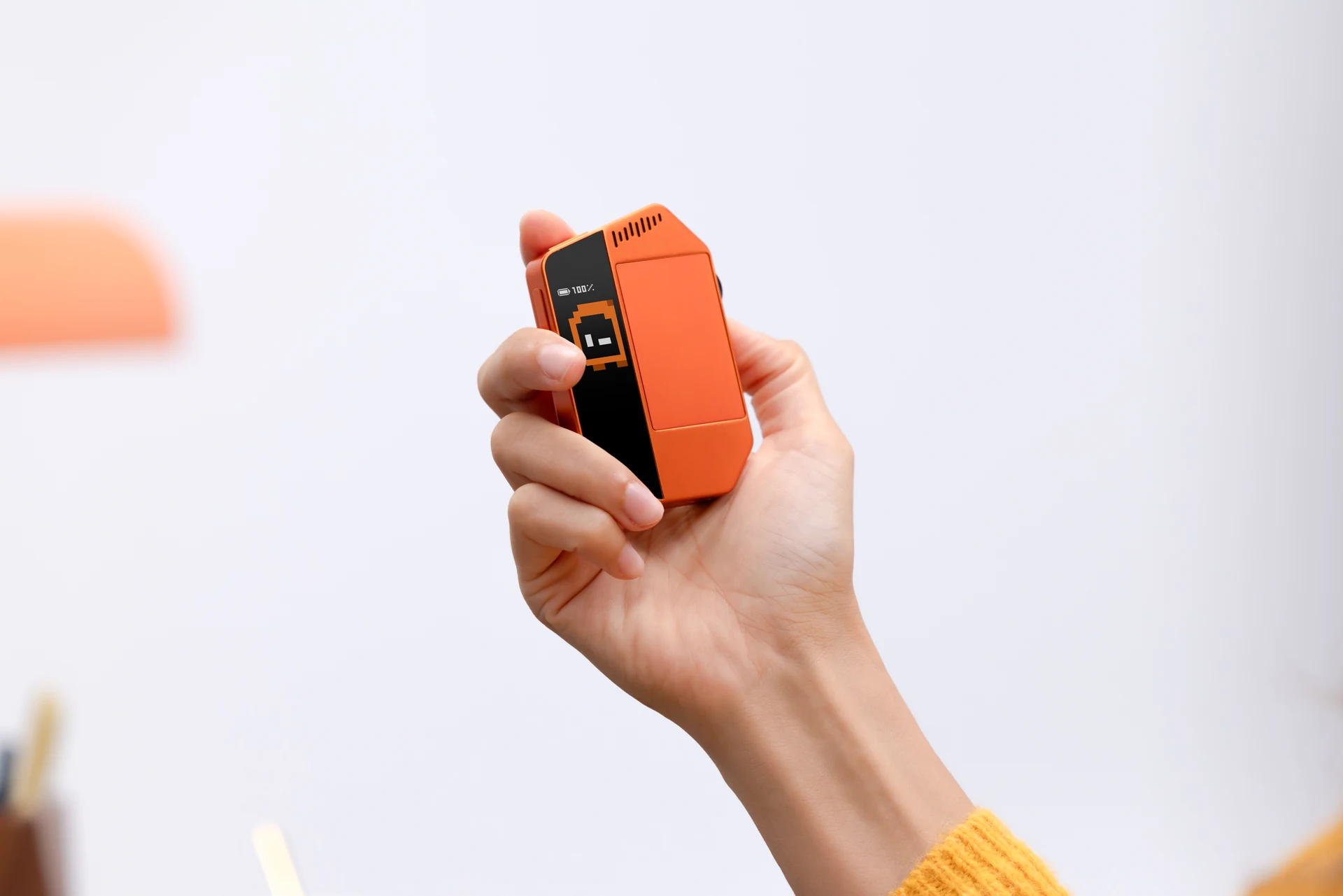
从这里开始FIND WHAT YOU NEED
你想了解什么?How can we help?
连接之后AFTER SETUP
回到熟悉的工作现场Make it part of your everyday desk.

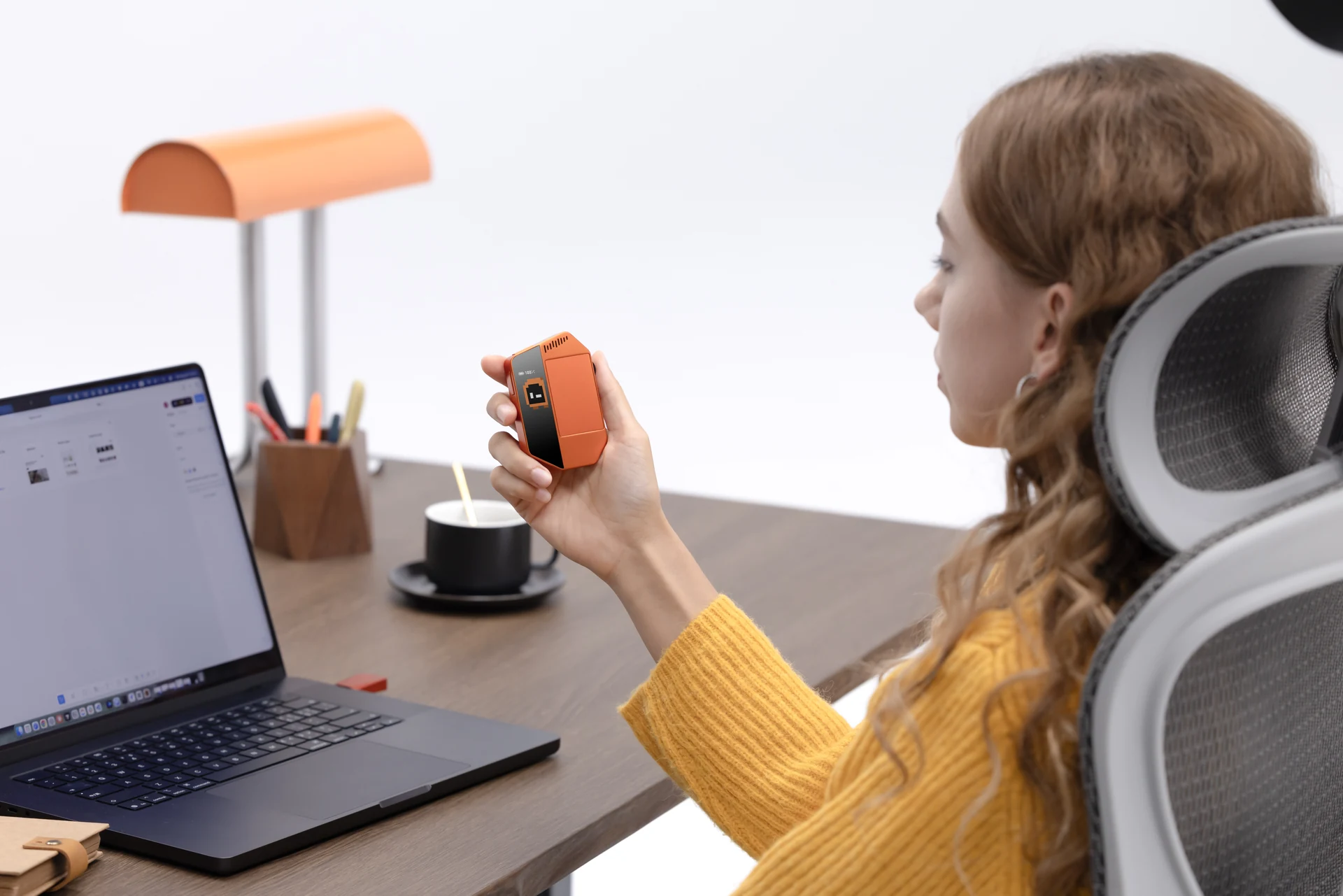
首次使用YOUR FIRST CONNECTION
先插电激活,再连接电脑。Power first. Then connect.
首次使用时,用 USB-C 接通主机电源,并将随箱 Dongle 插入电脑。接着打开客户端,按界面提示继续。For first use, connect the device to power via USB-C and plug the supplied Dongle into your computer. Then open the app and follow its instructions.
查看完整步骤See the setup steps